


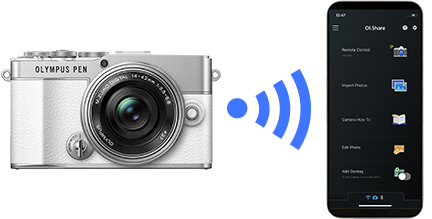
OM Image Share is an app that is required for connecting an OM SYSTEM camera to your smartphone.
It has a variety of convenient features including image import.
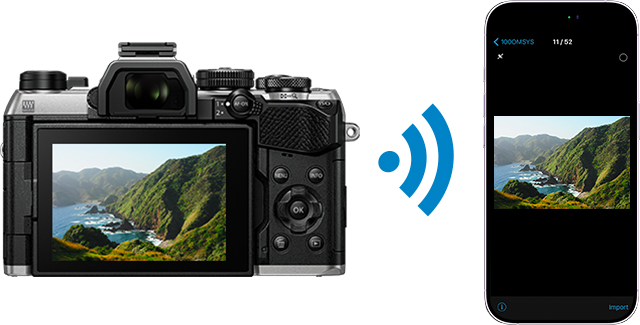
Image Import
With OI.Share, you can view photos stored on the camera and import them to your smartphone. You can also select the image size for import.
Remote Shooting
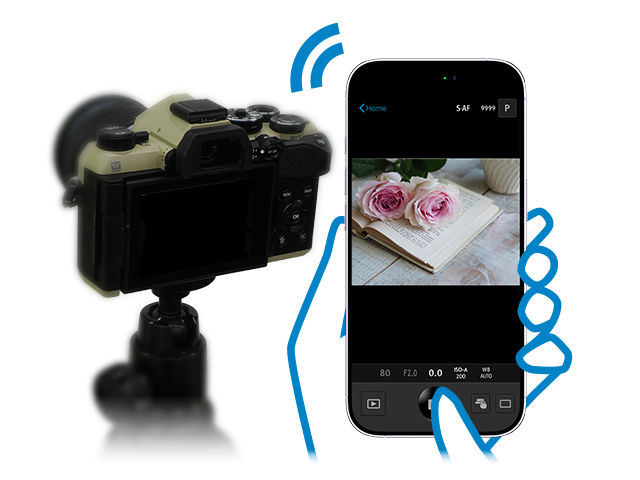
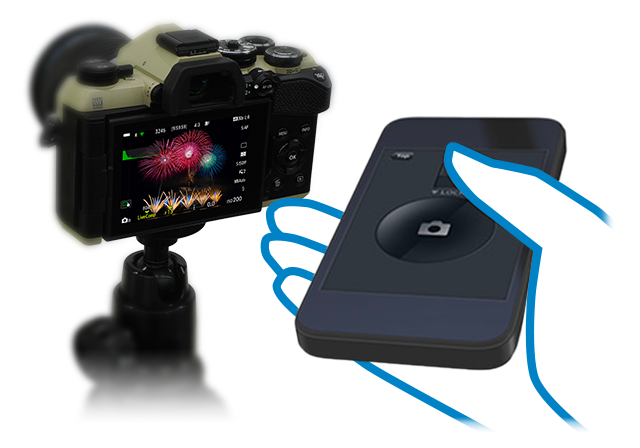
Use your smartphone as a remote control and operate the camera from a distance. The following two modes are available.
- Live View: Adjust camera settings and shoot while checking live images on your smartphone
- Remote Shutter: Configure shooting settings on the camera and activate the shutter on your smartphone
Live View
Remote Shutter
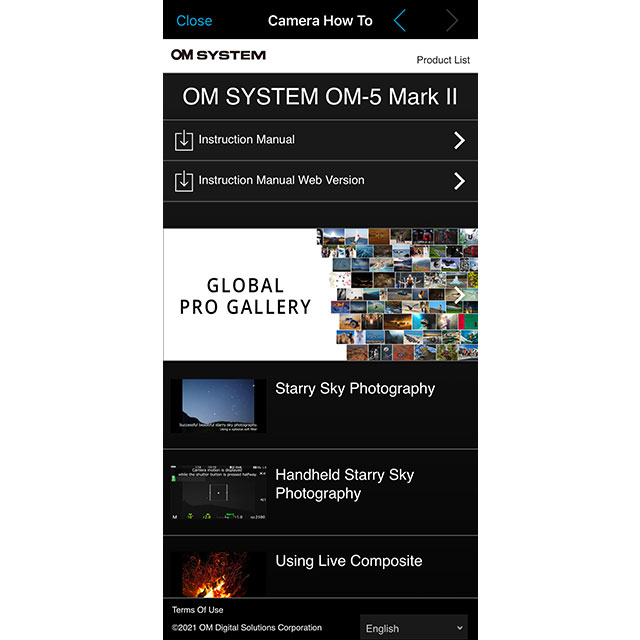
Camera How To
View the camera manual and videos on shooting features.
*Supported on some models only.
Easy Connection
To connect your camera and smartphone, simply scan the QR code displayed on the camera screen with OI.Share. After connecting to a camera, it is saved in the app so you can select it in the app the next time you want to use it.
*When connecting a different camera, scan the QR code again.
*Up to 10 cameras can be saved in the app.
Photo Editing Function
Some of the camera’s image manipulation features are available in the app. There is a variety of other features in addition to the ones shown here.
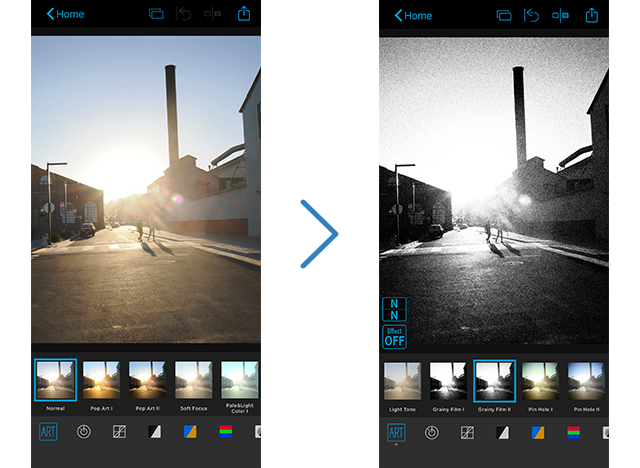
Art Filter
Use 31 different filter options and 8 supplemental effects to expand your range of expression.
Color Creator
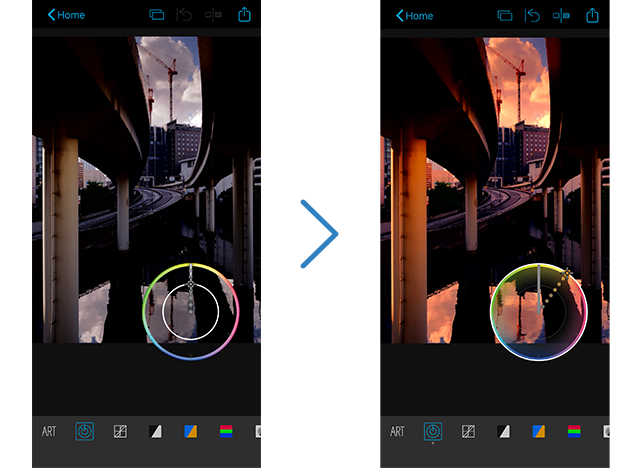
With Color Creator, you can control the hue and color saturation for more dramatic photo finishes.
Operate the Color Ring that appears on the screen to adjust the hues (30 levels) and saturation (8 levels) of the colors in your photo.
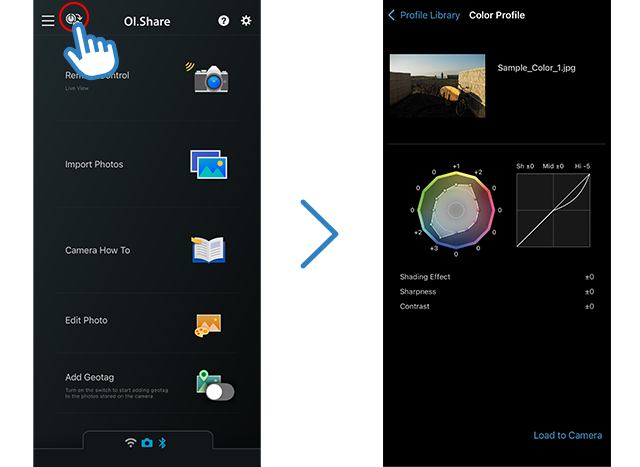
Profile Library
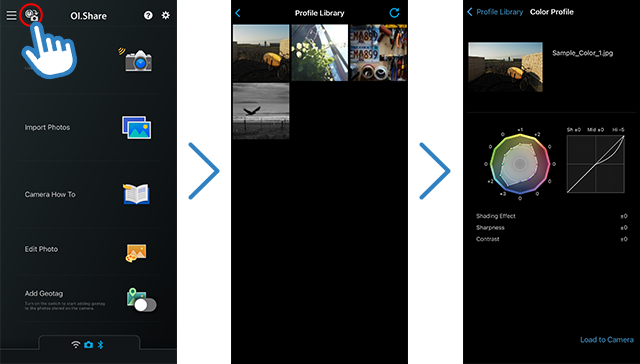
Extract color and tone settings from images captured using Color/Monochrome Profile Control and transfer them to a compatible camera* for shooting.
The app comes preloaded with four sample images.
Function to Add Location Information
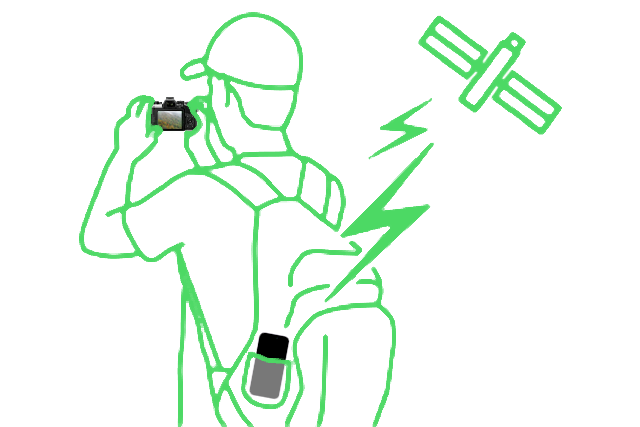
Add Location Information
You can send location information recorded by your smartphone to the camera over Wi-Fi to add to recorded photos. On some models*, location information can be added when shooting over Bluetooth.
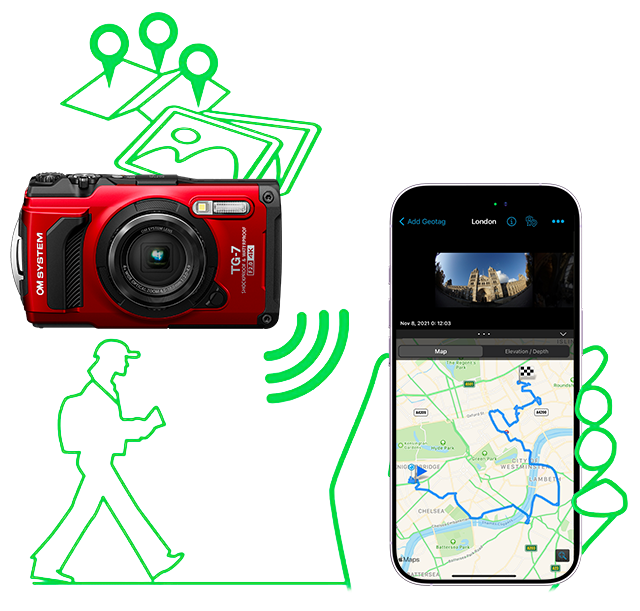
Built-in Camera GPS Log
Logs recorded on the camera’s built-in GPS can be imported to your smartphone where you can display tracking information (travel, altitude*, water depth) along with images in the app.
*Some models only
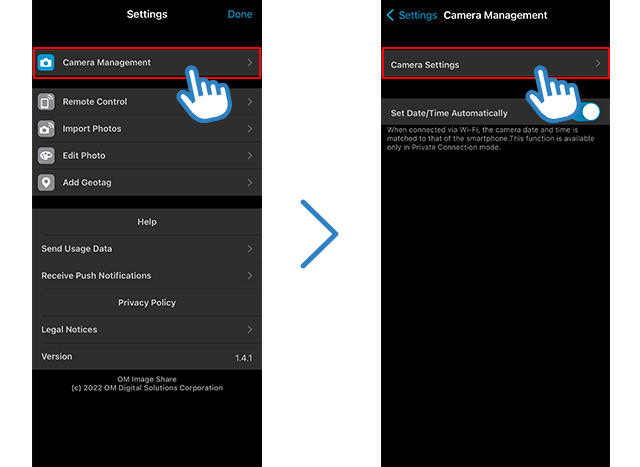
Camera Management
Update the Camera Firmware
On some models*, you can update the camera’s firmware without using a computer.
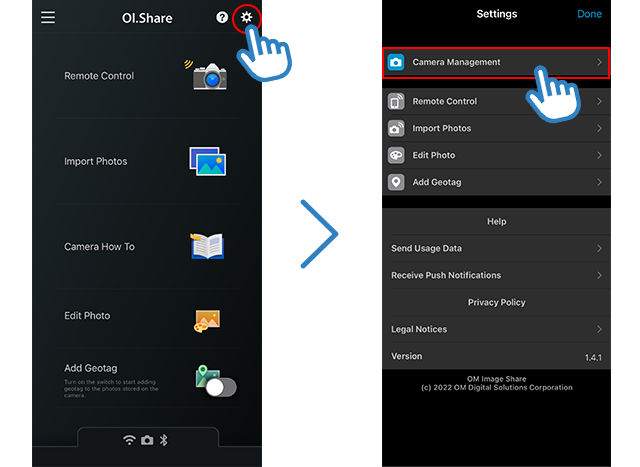
Back Up Camera Settings
You can back up customized settings and custom registrations in case your camera is reset to default settings.
Compatibility
| Supported OS | |
|---|---|
| Bluetooth and Wi-Fi ready cameras | |
| Wi-Fi ready cameras |
- *This app is not guaranteed to work on all smartphones and tablets. Available functions may be different depending on your camera.
- *The Wi-Fi CERTIFIED Logo is a certification mark of the Wi-Fi Alliance.
- *The Bluetooth® word mark and logos are registered trademarks owned by the Bluetooth SIG, Inc. and any use of such marks by OM Digital Solutions CORPORATION is under license.
- *iOS is a trademark or registered trademark of Cisco Systems, Inc. registered in the United States.
- iPadOS is a trademark of Apple Inc.
- App Store is a service mark of Apple Inc.
- Android and Google Play are registered trademark of Google Inc.
- ART FILTER is a trademark or registered trademark of OM Digital Solutions Corporation.
- Photos are for illustrative purposes only.
- Screen captures on the monitor are composite images.
- Specifications are subject to change without notice.